Contractor Scheduling App & Job Management
Your all-in-one app for scheduling, managing, and mapping your jobs.
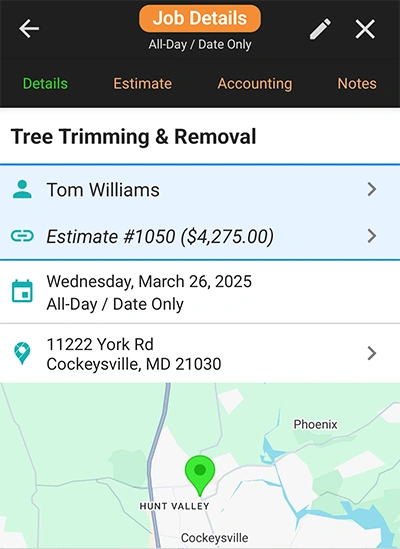
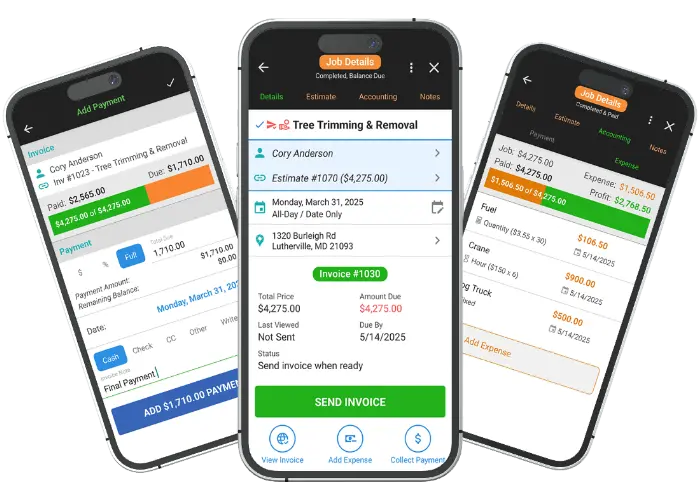
The Job & Task Dashboard is your central command for managing all aspects of a project. Here, you can access job details, the original estimate outline, payment and expense tracking, and private notes. You'll also see a real-time workflow log showing all actions taken. The dashboard provides one-click suggestions to help you stay on track and complete the job efficiently.
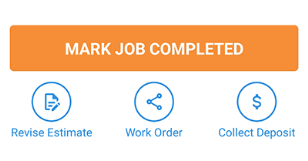
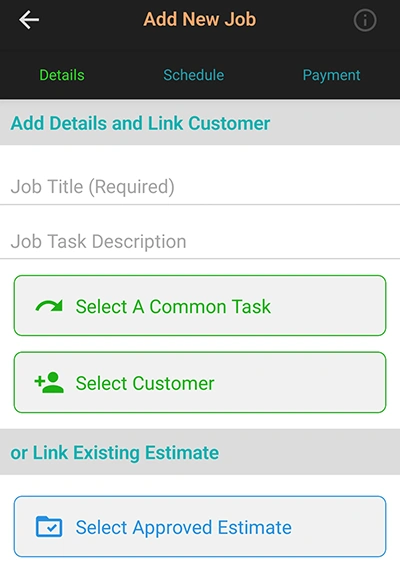
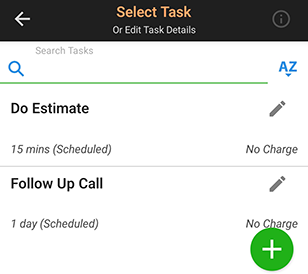
Easily schedule work from your approved estimates and create independent tasks for all other business activities. You can link one or more jobs to an estimate and even make tasks billable if needed. Save frequently used tasks to quickly add them in the future.
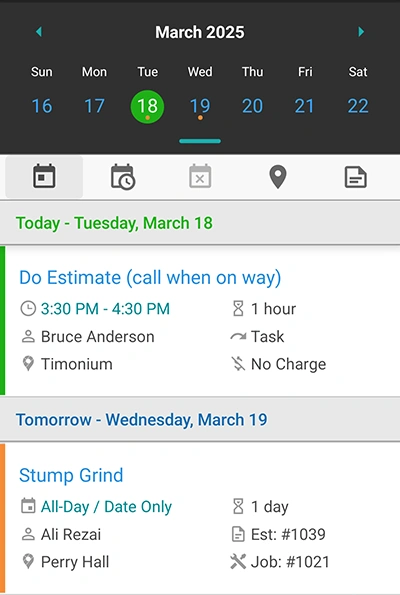
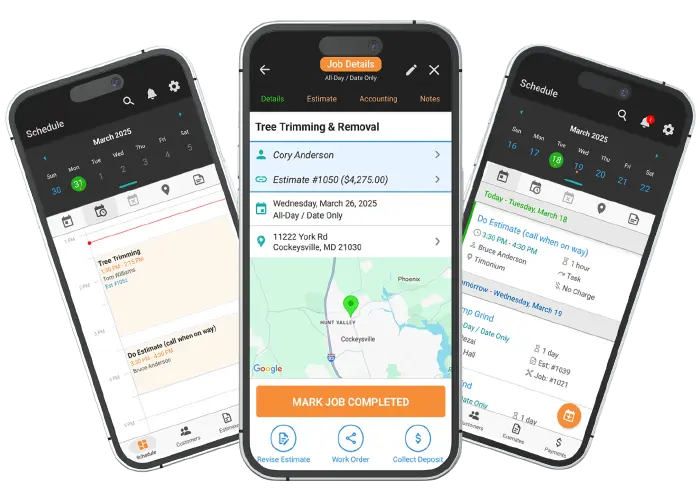
Get a quick, clear overview of all your scheduled jobs for the upcoming days. The calendar agenda list helps you stay organized by displaying your work and its status. You can even automatically hide completed and paid jobs to focus only on what's left.
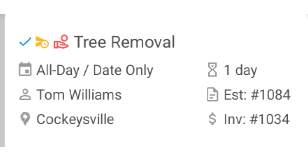
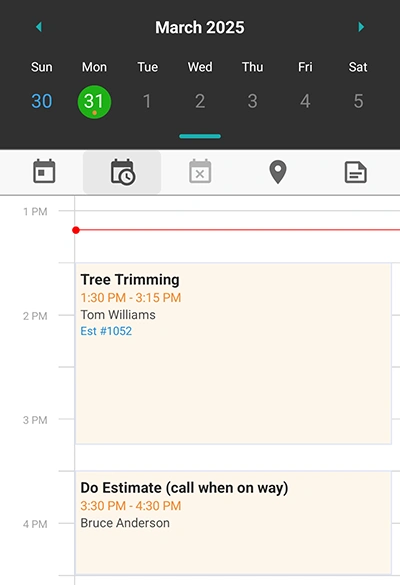
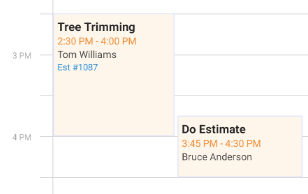
The timeline calendar provides a visual breakdown of your scheduled jobs, showing you exactly when and for how long each job is booked. This feature helps you identify overlaps and available free time, making it easy to reschedule jobs and plan your day effectively.
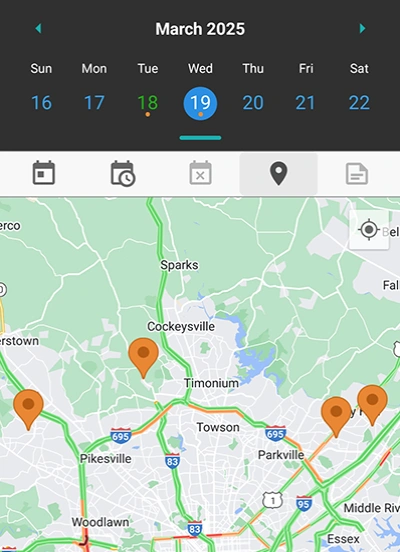
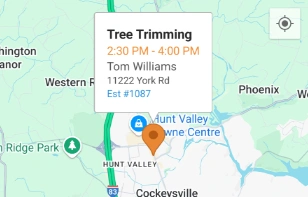
View all your scheduled jobs for the day on a map to plan your route and travel efficiently. This feature helps you visualize job locations to avoid backtracking and save valuable time. Tap on each pin for more job details, including the address and specifics.
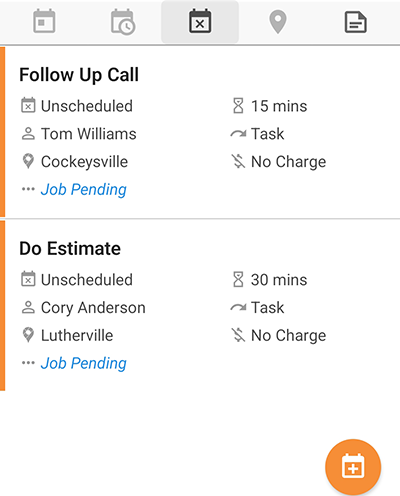
Not everything needs a time slot. Create unscheduled jobs and tasks for items like reminders or follow-ups that don't have a set date. These items can be set aside for later scheduling and even linked to other jobs for invoicing, giving you maximum flexibility.
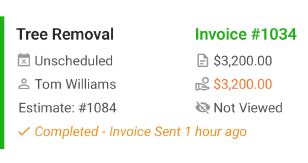
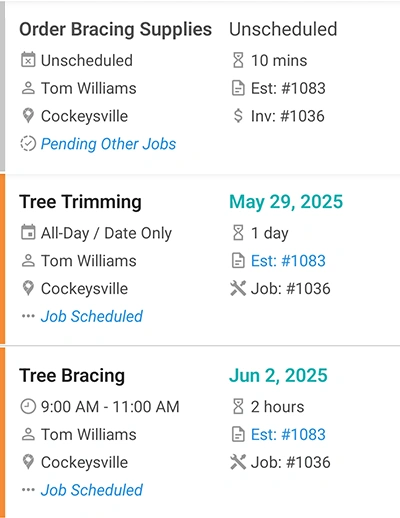
For bigger projects, you can break down a single estimate into multiple jobs. This helps you track complex scheduling more effectively. All job notes are linked together, and the overall estimate completion will depend on all linked jobs being finished. You can even invoice multiple jobs under one invoice for easier billing.
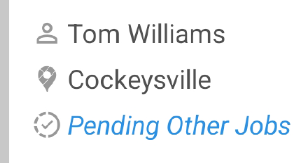
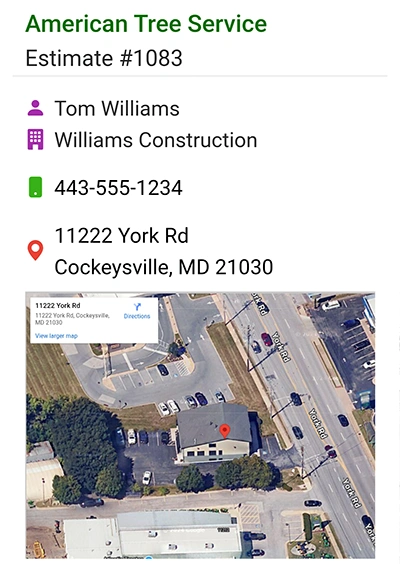
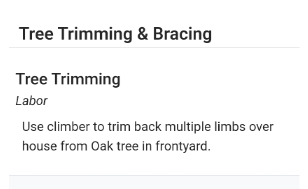
Easily share work orders with contractors or team members. This feature lets you provide all the essential information, job location, scope of work, and notes without revealing sensitive pricing or financial details. This keeps your business organized and your finances secure.
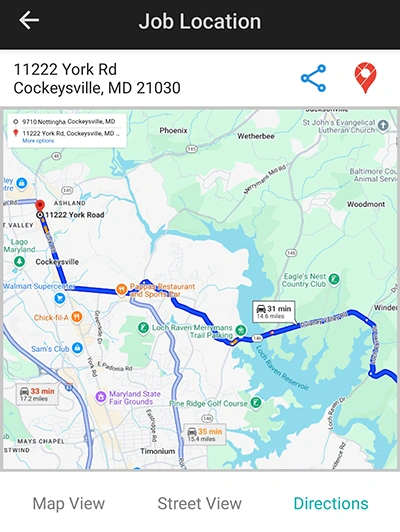
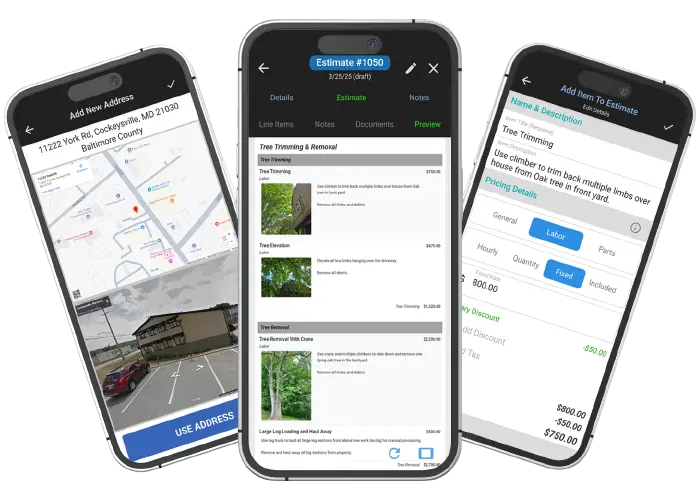
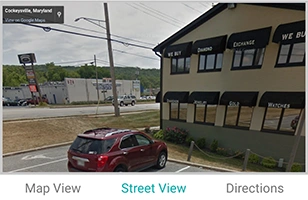
Get an interactive Google map with drive-time estimates and a driving route for every job. This helps you plan your travel efficiently and arrive on time. You can also view street and satellite views of the location for a better understanding of the area.
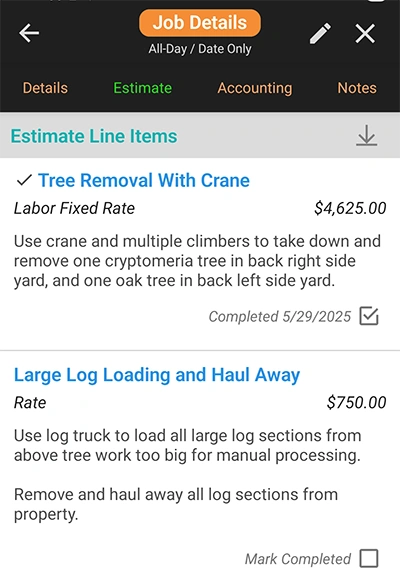
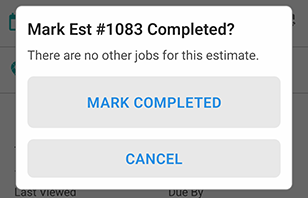
Use the Job Estimate Checklist to track all the work that needs to be completed. This digital checklist keeps your job progress organized and ensures you never overlook a task. Mark the estimate as fully completed once all tasks are done.
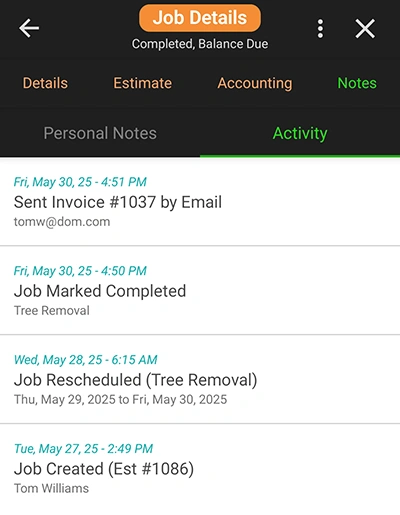
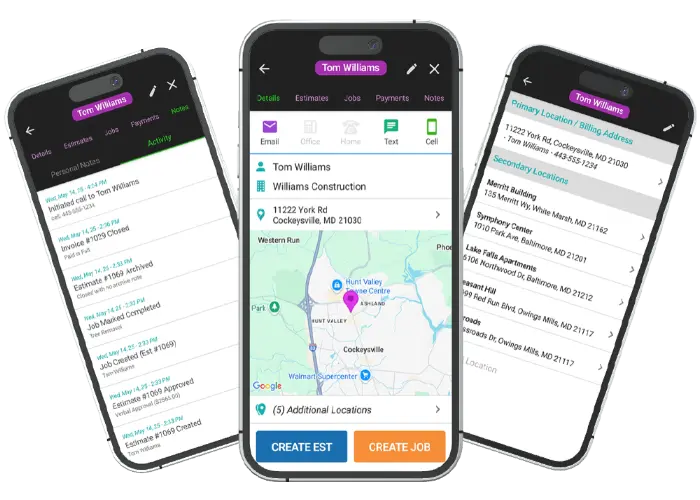
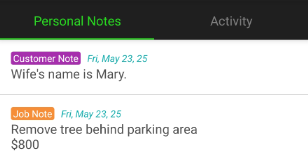
WorkQuote automatically tracks the entire lifespan of each job from start to finish. You can view when the job was created, scheduled, completed, and paid. The activity log keeps a history of all actions taken, and you can add private notes that are visible only to you.
Find answers to common questions about our field service software.
WorkQuote is a mobile-first powerhouse. Skip the App Store search - just grab your phone, open your camera, and scan the code to get the free app instantly.
Point your camera here to download
No searching required
Click the cards below to dive deeper into our powerful tools.
2026 All Rights Reserved. A Viaboom Software.