Marketing & Lead Generation
The easy way to capture new clients from Google searches, your website, and social media.
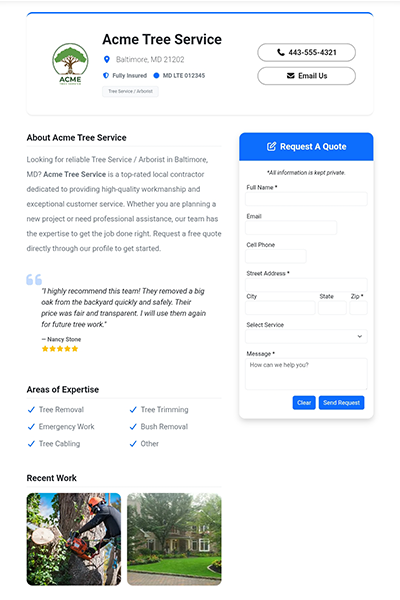
Make it easy for local customers to find you. Claim your free, dedicated directory webpage on ProWorkQuote directly from your app settings. Setup takes just a few minutes, giving you a highly professional online presence that automatically indexes in Google and other online search engines. Let customers browse your services and request quotes instantly.
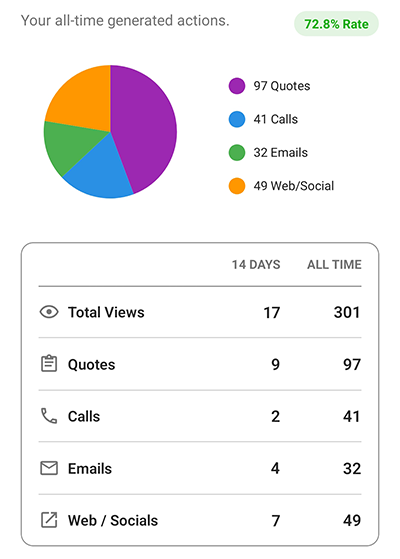
Stop paying lead generation agencies to share your potential clients with five other local contractors. When a customer finds your ProWorkQuote webpage or clicks your custom form link, that quote request goes exclusively to you. You maintain 100% ownership of your leads and keep all the profits from your marketing efforts.
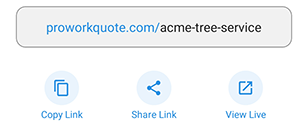
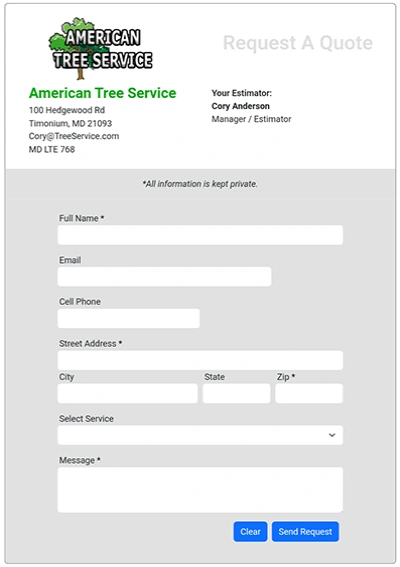
Create custom quote request forms that are easy for your customers to fill out. You can adjust multiple design aspects and select the exact fields you need to suit your business. This feature allows you to create a form that is simple, modern, and responsive, making it easy for your customers to submit their requests and for you to respond efficiently.
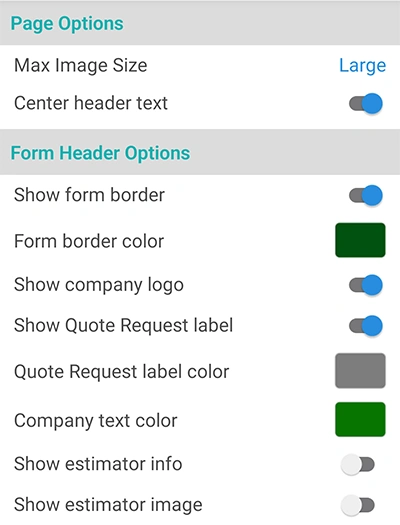
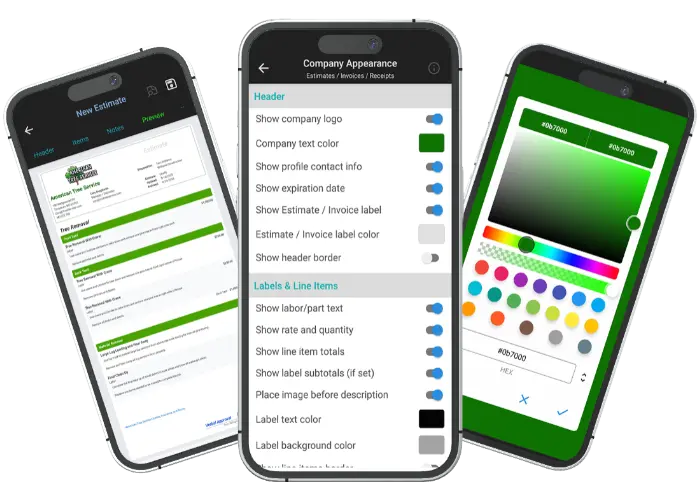
Build customer confidence by presenting a request form that matches your company's style and brand. Multiple design options are available to help you create a form that looks professional and gets results. Easily create a seamless customer experience across your request forms, estimates, and invoices.

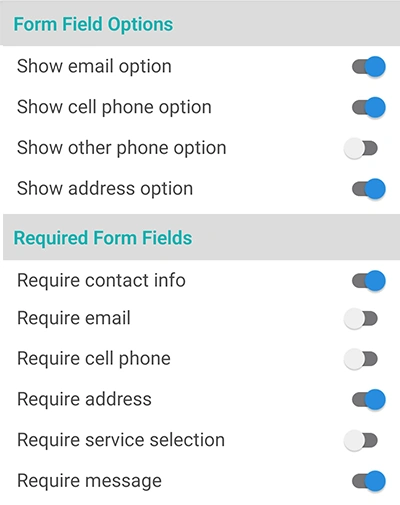
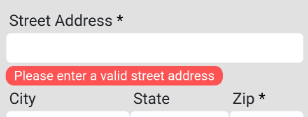
Easily toggle form fields on or off to collect the exact information your business requires. This flexibility enables you to create a custom request form that is straightforward and user-friendly. You can also specify which form data is required to provide an accurate quote. Automatic data validation ensures the data you receive is accurate and usable.
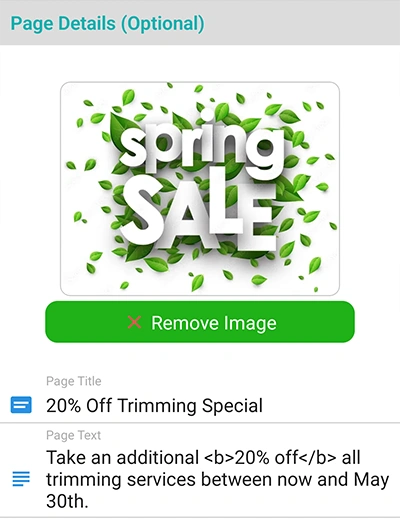
Promote your business and provide more info to customers before they fill out the form. Advertise sales and incentives, or provide more company info above your quote request form. You can create a custom header page with a header image, custom title text, and meta-friendly link details. This is a great way to boost conversions.

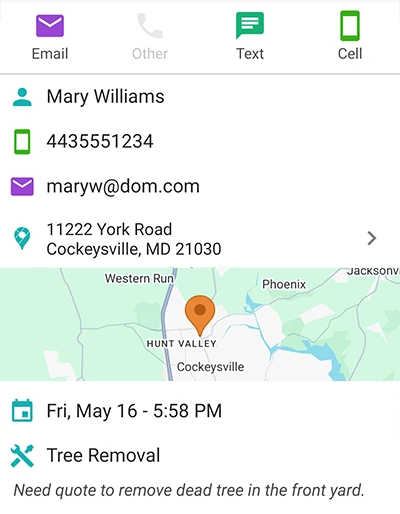
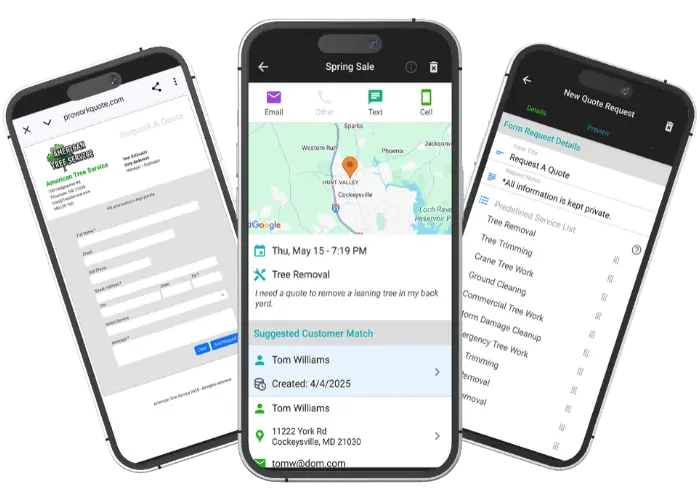
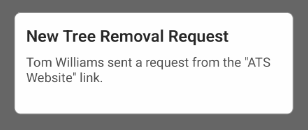
When a request is submitted, you will receive an instant notification, and customer details can be automatically saved for you. This allows you to quickly contact potential customers and follow up on their requests. All request details are presented in a single view, making it easy to manage and convert requests into actionable steps.
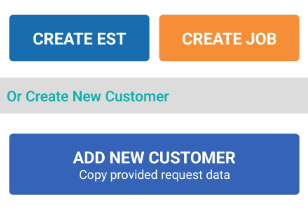
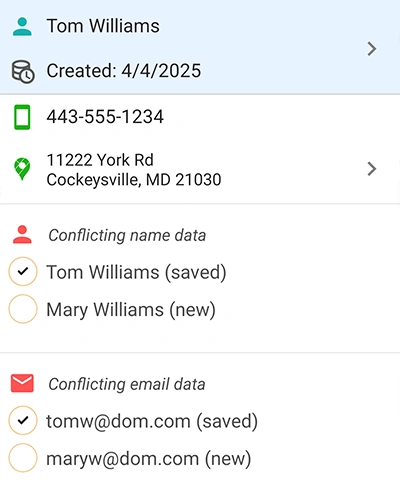
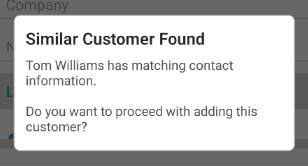
WorkQuote automatically checks for conflicts when a request is submitted and lets you easily choose what to do. If similar client data already exists, it could be a spelling error, a spouse, or a completely new homeowner. This process helps ensure that you do not create duplicate client records and that your database remains clean.
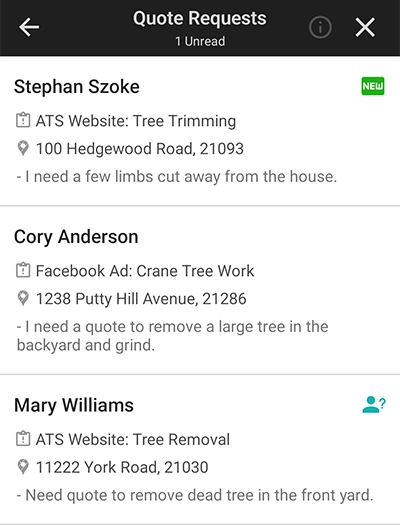
All of your requests are displayed in a single, organized location, making them easier to manage and track. You can quickly identify which requests are new, which are still pending, and which come from existing clients. This organization helps ensure that you never overlook a request and provides a clear workflow.

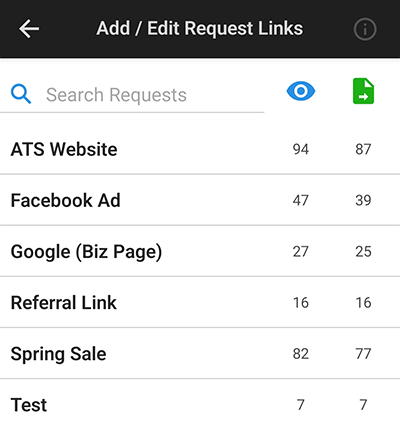
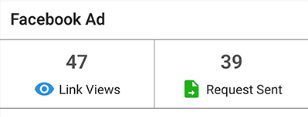
Track the performance of your request links with activity counters. You can see how many times a link has been viewed, how many requests have been submitted, and which links are performing best. This helps you understand which marketing channels are driving the most requests and allows you to optimize your efforts.
Find answers to common questions about our field service software.
WorkQuote is a mobile-first powerhouse. Skip the App Store search - just grab your phone, open your camera, and scan the code to get the free app instantly.
Point your camera here to download

No searching required
Click the cards below to dive deeper into our powerful tools.
2026 All Rights Reserved. A Viaboom Software.