Professional Estimating Software & App Features
Create Job-Winning Proposals Right from Your Phone
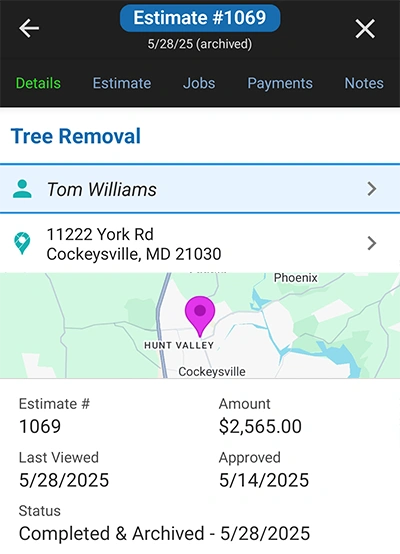
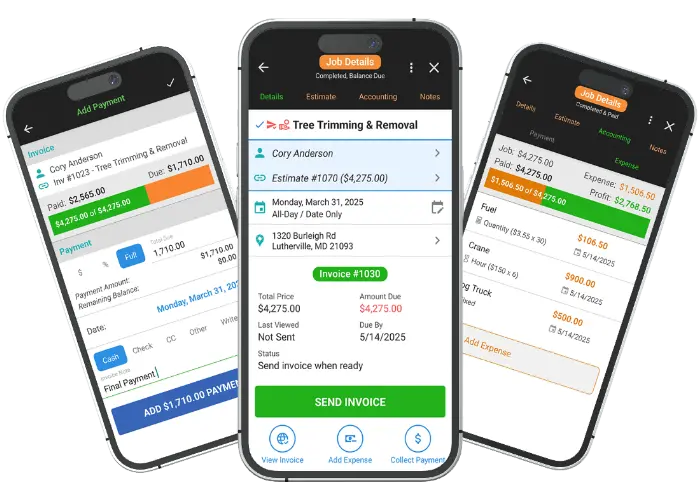
Get a complete overview of your estimating workflow from one central location. The Estimate Dashboard provides an in-depth look at each quote, allowing you to manage pending and approved statuses, track all associated information, and access a real-time client activity log.
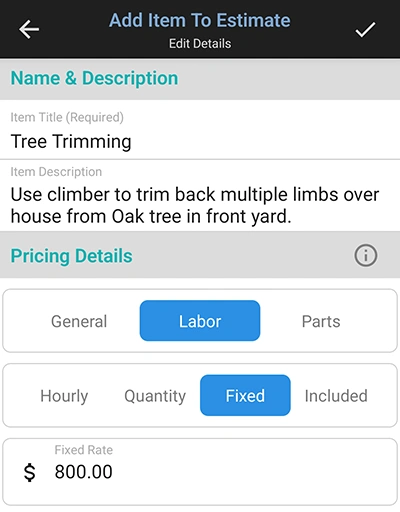
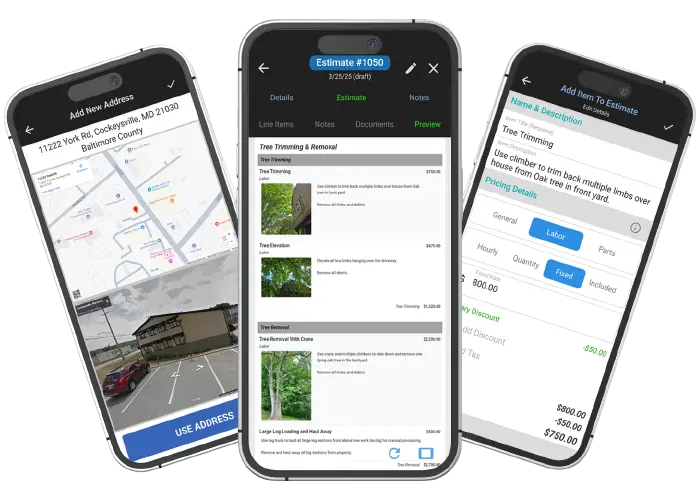
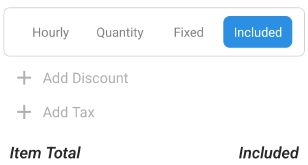
Quickly add and edit line items to create comprehensive quotes that clearly define your scope of work. Add titles, rich-text descriptions, and various pricing types (General, Labor, Parts) with hourly, quantity, or fixed-rate options. You can even add "included items" to enhance clarity and ensure clients know exactly what they're paying for.
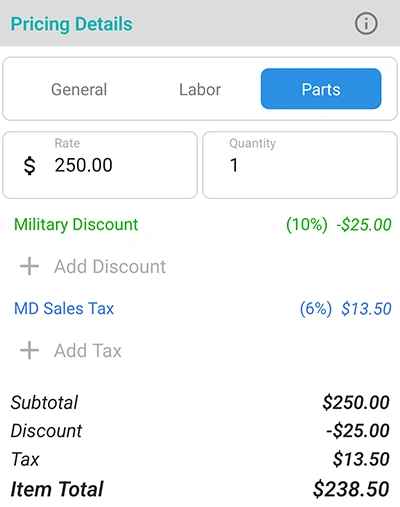
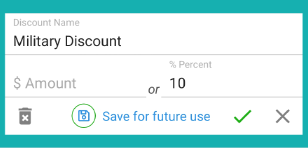
Easily add sales, discounts, and tax to your estimates for a transparent breakdown of costs. Apply fixed amounts or percentages to individual line items or the entire quote. You can even save commonly used tax rates and discounts for quick access, so you're not recreating them for every job.
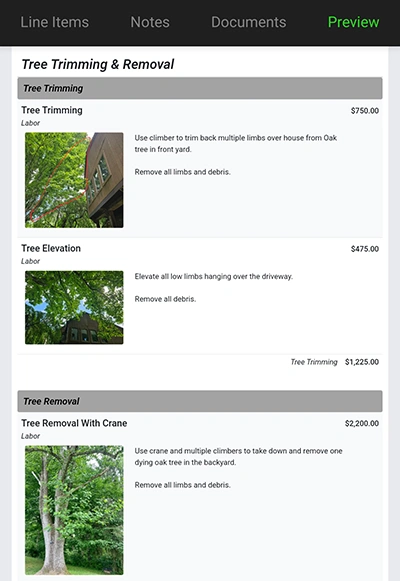
Enhance your professional image and add clarity by including images with your line items. This feature helps clients visualize the scope of work and makes your digital proposal stand out from handwritten bids. The clean, responsive image display ensures your quotes look great on any device.
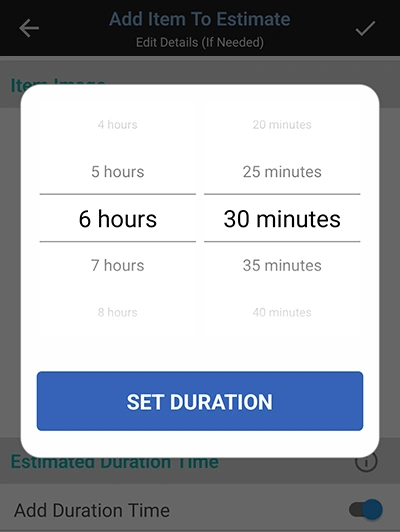
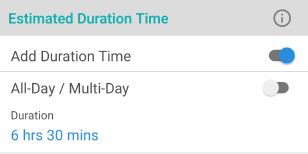
Use the Duration feature to add an estimated time for completing each line item. This helps you gauge the overall time commitment for the job, which is a valuable tool for effective scheduling later. This feature is for your eyes only; clients can't see the durations.
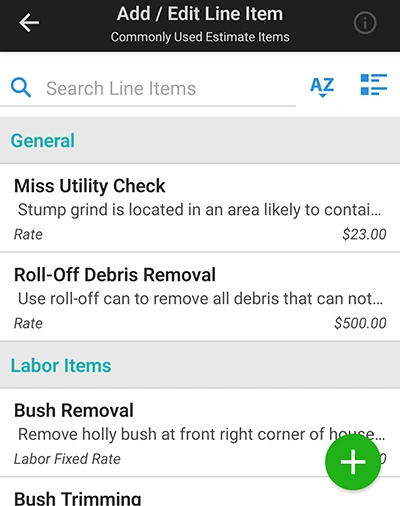
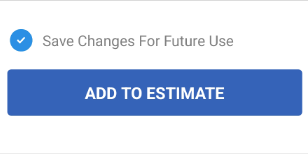
Create estimates faster and more accurately by saving and accessing your frequently used line items. This eliminates retyping basic details. You can search and group items by pricing type and easily save edits for future use, ensuring your estimates are always up-to-date and consistent.
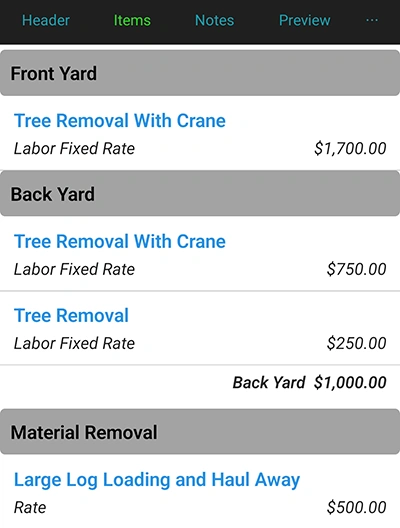
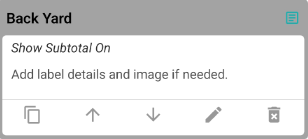
Keep your estimates organized and easy to read by grouping line items into subsections with labels. You can also show optional group subtotals to provide clarity on the costs for each section. The drag-and-drop functionality lets you reorder items quickly, giving you complete control over your proposal's layout.
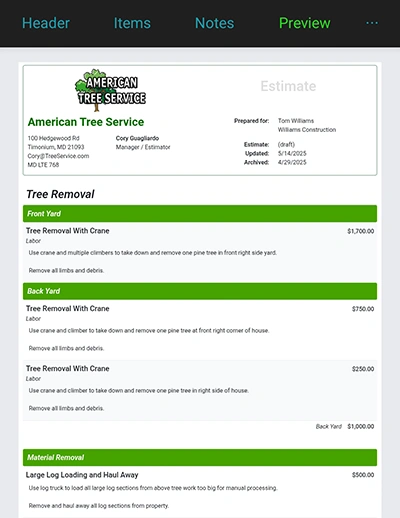
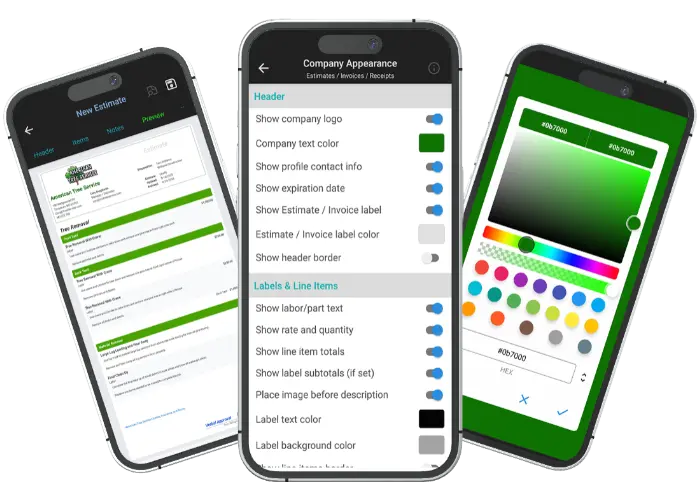
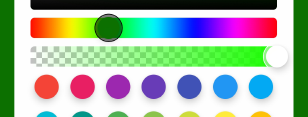
Make your proposals match your brand. Choose from over 25 styling options and millions of color combinations. The responsive web-based design lets you preview exactly how your estimates will look on different devices, so you can always maintain a professional appearance.
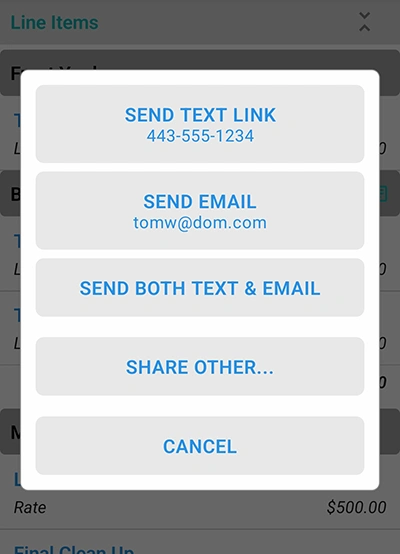
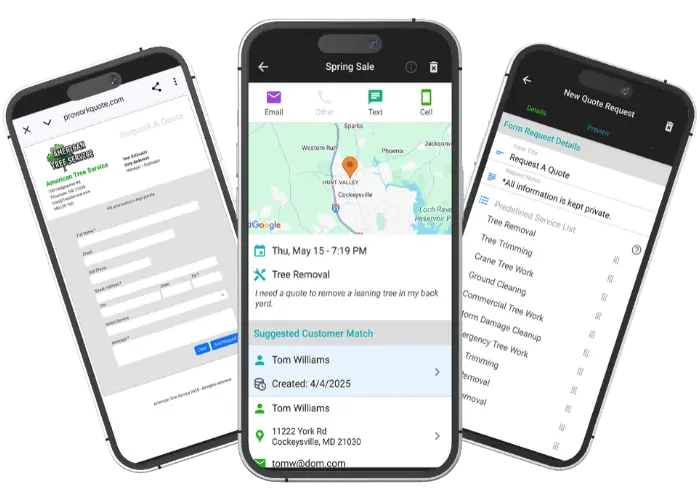
Take total control over how you deliver estimates. Share secure, unique links via email, text, or your favorite messaging app. With professional metadata previews, you’ll build instant trust from the first click. Prefer a traditional approach? You can always attach a PDF copy for added convenience.
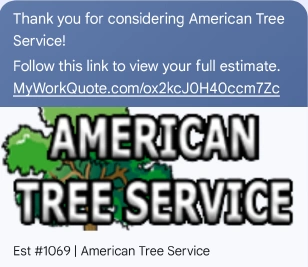
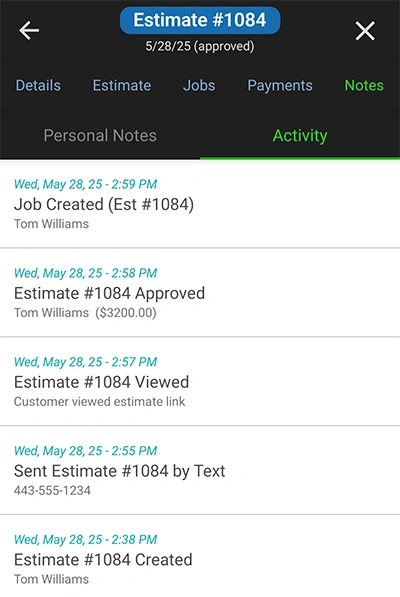
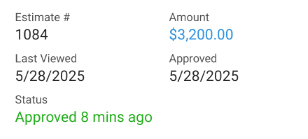
Stop guessing and start knowing. Our real-time activity log tracks the entire lifespan of your estimate. See if and when your client views it, how many times they've accessed it, and when they approve it. This feature keeps you informed for effective follow-ups.
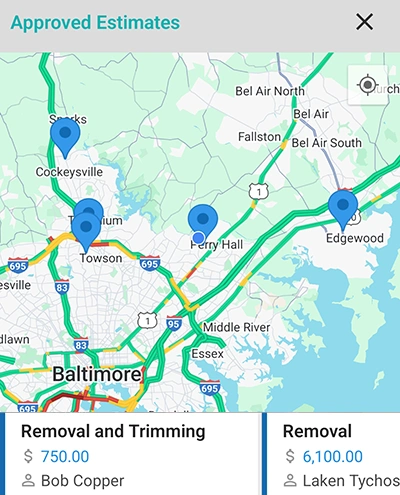
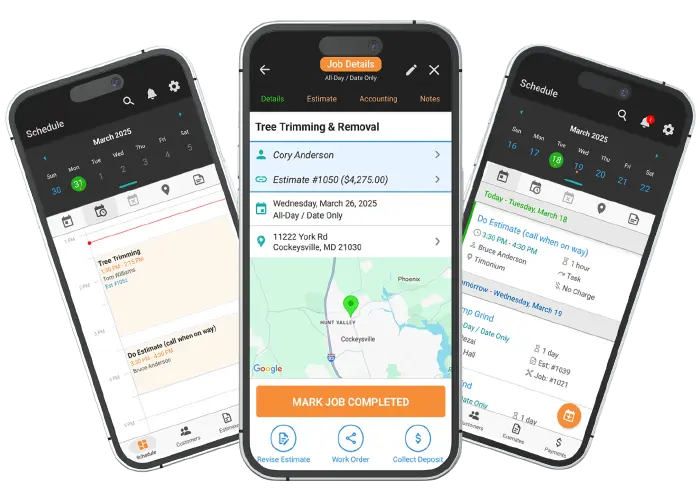
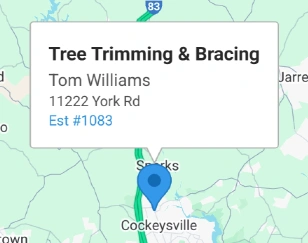
Use the Approved Estimate Map to see all your approved jobs based on location. This feature helps you efficiently plan your day by grouping jobs in the same area, saving you valuable time and effort.
Find answers to common questions about our field service software.
WorkQuote is a mobile-first powerhouse. Skip the App Store search - just grab your phone, open your camera, and scan the code to get the free app instantly.
Point your camera here to download

No searching required
Click the cards below to dive deeper into our powerful tools.
2026 All Rights Reserved. A Viaboom Software.