One workflow for estimates, jobs, and invoices

WorkQuote brings estimates, schedules, client details, and invoices together. Explore the features below to see how they support the day-to-day work of an independent service professional.
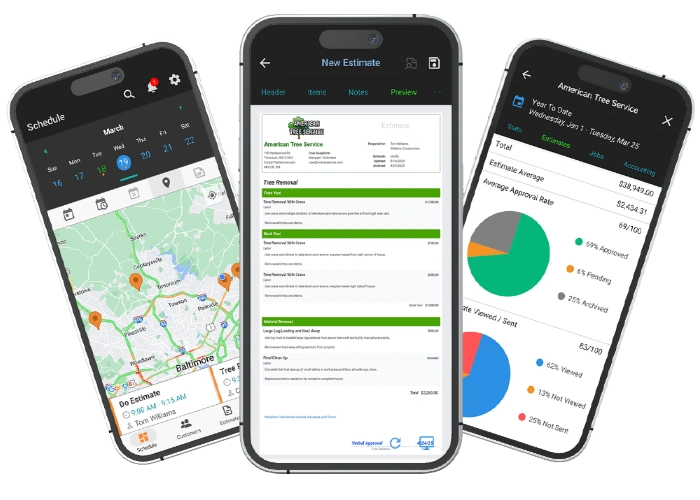
WorkQuote estimate creation screen

Create Professional Estimates That Win More Business

Streamline your quoting and job management process instantly. Create professional, detailed estimates with line items and images to present clear proposals that clients love. The Estimate Dashboard provides a real-time overview of all quotes and client interactions, allowing you to track status and follow up promptly.

  • Stay organized with the Estimate Dashboard
  • Create Professional, Job-Winning Proposals Right from Your Phone
  • Customize Sales, Discounts & Tax
  • Add Images to Line Items
  • Group Items with Subsections
  • Preview & Style Your Brand
  • Track Views & Client Activity
  • Visualize Your Schedule with the Approved Estimate Map
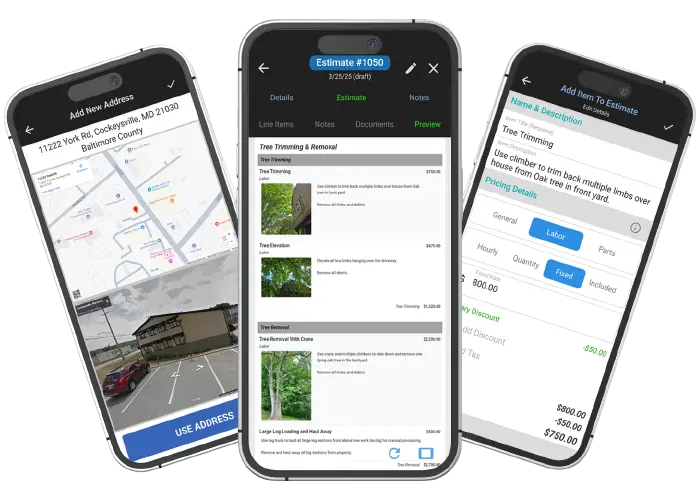
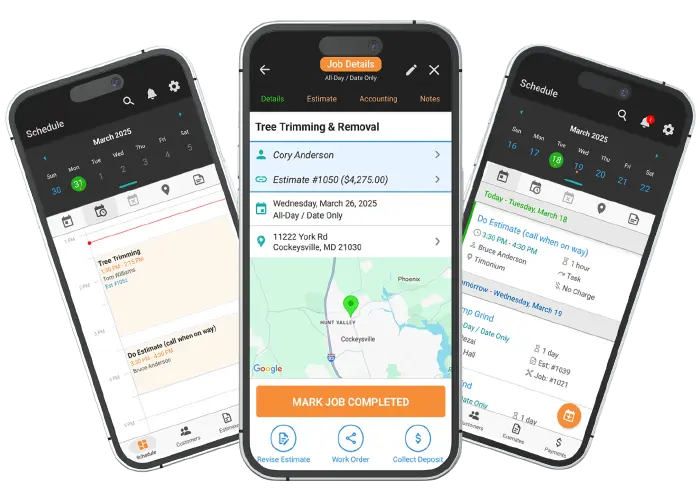
WorkQuote job scheduling screen

Stay Organized and Efficient with Smart Job Scheduling

Streamline your service operations with smart scheduling tools. Manage jobs, tasks, and appointments directly from approved estimates. Easily visualize your schedule on a calendar, timeline, or even a map to optimize your workflow and cut down on travel time. Keep your team in the loop by sharing secure work orders in real-time.

  • The Job & Task Dashboard for Total Control
  • Schedule Jobs & Tasks with Ease
  • See Your Day with the Calendar Agenda
  • Plan Your Day with the Timeline Calendar
  • Optimize Your Routes with the Job Location Map
  • Manage Unscheduled Jobs & Tasks
  • Schedule Multiple Job Parts
  • Share Work Orders with Your Team
  • Get Drive-Time & Street View
  • Stay On Track with the Job Checklist
  • Track Job Progress Automatically
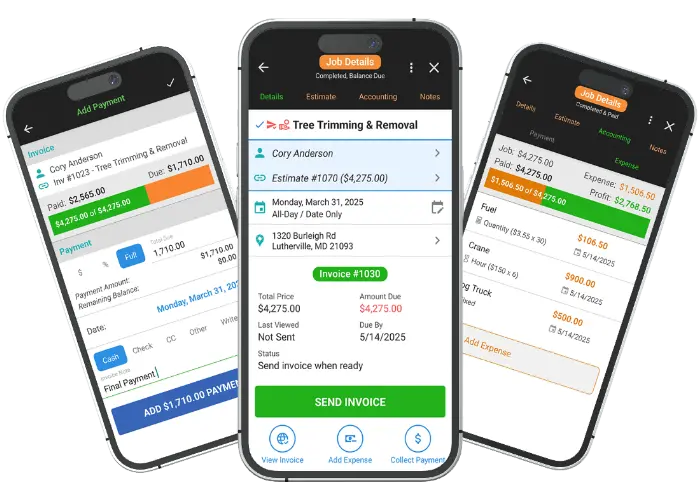
WorkQuote invoice and payment screen

Accurate & Easy Accounting for Your Service Business

Simplify your financial management. The app automatically creates invoices once a job is complete, helping you get paid faster. Manage deposits, track expenses, and oversee all payments in real-time from a centralized dashboard. Gain a clear picture of your finances to improve cash flow and keep your business on solid footing.

  • An Invoice Dashboard To Keep You Organized
  • Send Invoices Multiple Ways
  • Track All Payments & Deposits
  • Flexible Payment Details
  • Request Client Reviews Automatically
  • Track Job Expenses for Accurate P&L
  • Flexible Expense Detail Options
  • Quick Access to Common Expenses
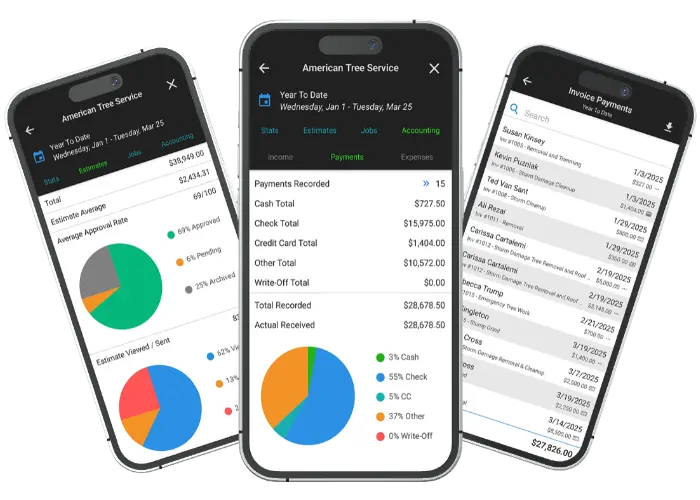
WorkQuote business reports screen

Understand Your Business Finances with Simple Reports

Review income, expenses, and job performance in reports, without maintaining a separate spreadsheet. See the status of estimates and check your business totals.

  • Customize Your Report Range
  • Basic Usage & Growth Data
  • Analyze Your Estimate Performance
  • Job & Invoice Reports
  • Realized Income & Profit Report
  • Invoice Payment Breakdown
  • Job Expense Breakdown
  • Download Your Business Data
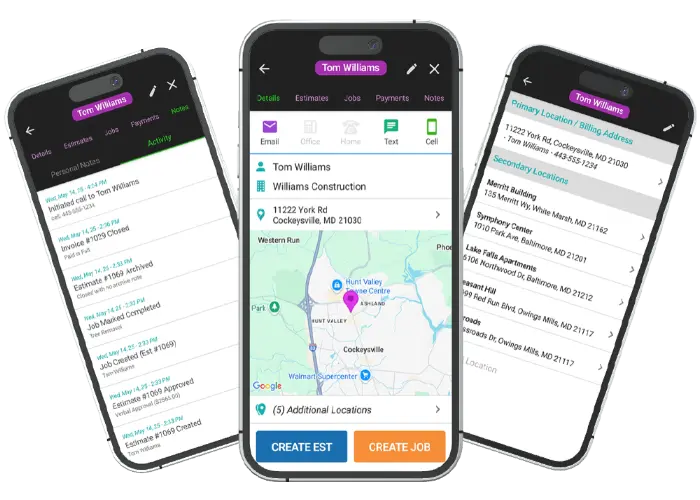
WorkQuote customer management screen

Keep All Your Service Client Data Organized

Stay organized and responsive with a powerful client dashboard. Access contact details, job history, and notes in one central, easy-to-access place. The app includes handy tools like autocomplete maps for accurate addresses, and the ability to seamlessly manage multiple locations for property managers and landlords.

  • The Client Dashboard for All Your Data
  • Autocomplete Maps for Accuracy
  • Manage Multiple Locations for One Client
  • Prevent Duplicate Clients Automatically
  • Track History with Notes & Activity Log
  • Quickly View Recent Client Activity
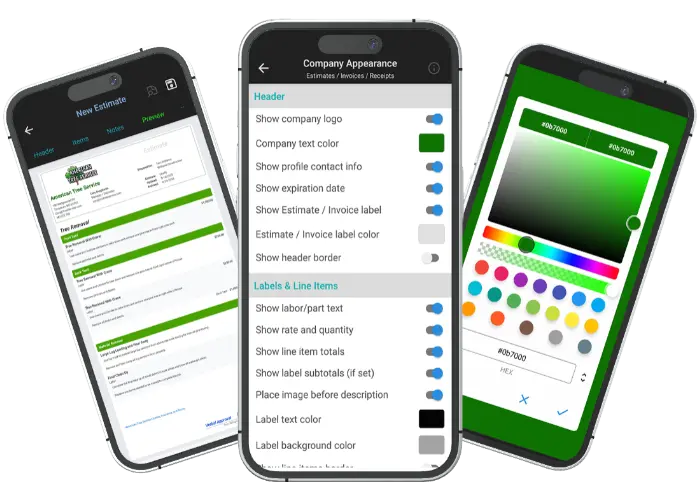
WorkQuote estimate and invoice branding screen

Build a Seamless Company Brand Experience

Elevate your brand and leave a lasting impression. Move beyond generic templates by fully customizing your estimates and invoices to match your unique style. Utilize a versatile color picker, a huge library of Google Fonts, and live document previews to ensure your brand stands out from the competition.

  • Custom Brand Styling for Every Document
  • Quick Styling Options in Seconds
  • Millions of Colors with a Powerful Picker
  • Custom Fonts with Google Fonts
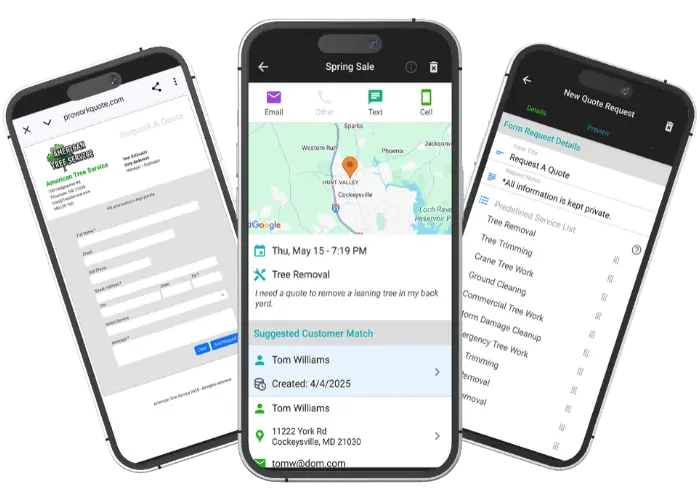
WorkQuote quote request form

Take Control of Your Lead Generation

Stop letting potential clients slip away. Use custom, branded forms to capture new clients and receive instant notifications when leads arrive. Easily share these forms on your website or social media to take control of how new leads come in, and use built-in analytics to track what's working best.

  • Custom Request Forms that Convert
  • Match Your Company Brand
  • Get the Data You Need
  • Add Sales & Incentives
  • Easily Contact & Save Customers
  • All Requests in One Place
  • Track Your Link Results

WorkQuote App Features & Capabilities FAQs

Find answers to common questions about our field service software.

Yes. Open the Guest Demo from the welcome screen without creating an account. You can also start a 21-day Pro trial. When the trial ends, your account moves to the free WorkQuote Core plan unless you choose to upgrade.

Yes. WorkQuote is available for iOS and Android. Your account data syncs to supported devices when you sign in.

Yes. Add your company logo and brand colors to estimates and invoices.

WorkQuote makes dispatching simple. You can send dedicated "Work Orders" to your team members that include the job location, task lists, and schedules, while keeping your sensitive financial data and profit margins strictly hidden.

You can manage or remove your WorkQuote account data using the controls in the app. See our Privacy Policy for details about how data is handled.

Try WorkQuote before you choose a plan

WorkQuote helps independent service professionals create estimates, manage jobs, and send invoices. Try the guest demo, start a 21-day Pro trial, or use WorkQuote Core free.

Guest Demo
Instant
No Sign-Up Needed

Choose Try Demo on the web or mobile welcome screen to explore a sample account before entering your business information.

  • Instant Sandbox Access
  • Pre-filled Example Data
  • Full Estimate Example
  • Explore All Pro Menus
  • Zero Commitment
Explore the Demo
WorkQuote Core
Free
Forever

When your trial ends, your account moves to the free Core plan. Your account and saved information remain available.

  • Unlimited Customers
  • Core Estimating & Invoices
  • Regular Job & Task Scheduling
  • Full Company Branding
  • No Monthly Subscription
  • Keep All Your Data

Run your business from anywhere.

Use WorkQuote on your computer, or download the mobile app from the App Store or Google Play. Your account works across all versions.

Available for iOS & Android

WorkQuote Web

Try the demo or create your account. No download needed.

For iPhone or Android, visit Download App.