Client Management & CRM for Service Professionals
The easy way to organize your customer data and track client activity.
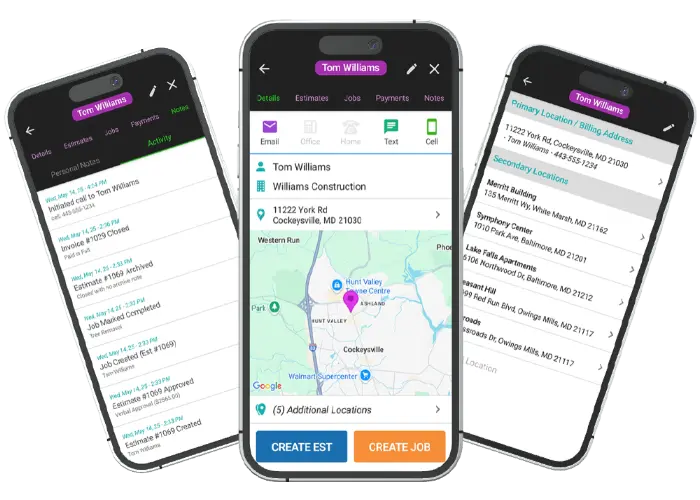
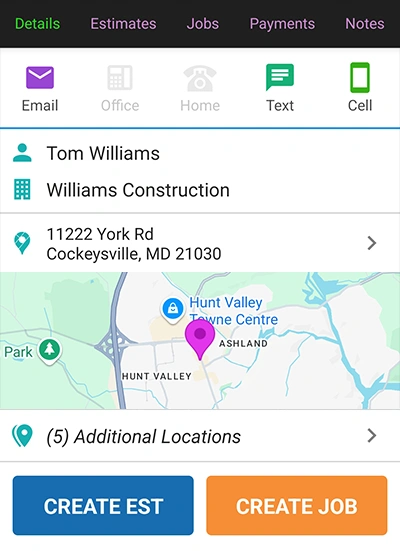
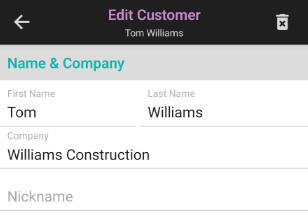
The client dashboard is your central hub for managing all customer data. Quickly find and contact your client with one tap. Address clients as they prefer with multiple name-saving options. Our built-in data loss prevention automatically saves your data as you enter it, so you never have to worry about losing important information.
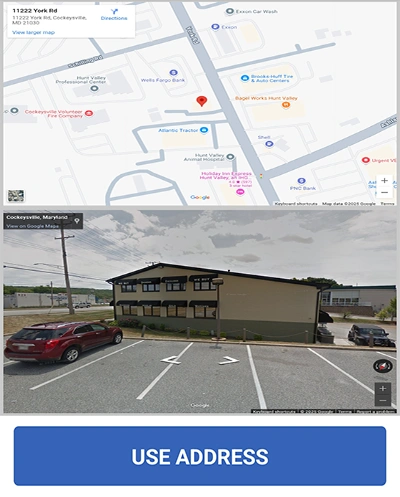
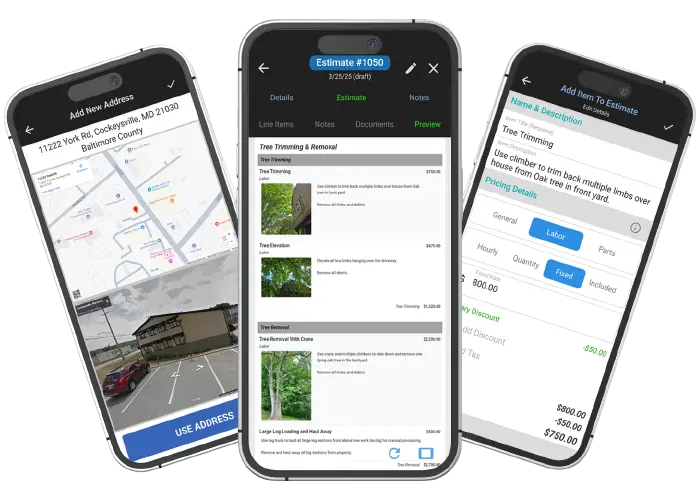
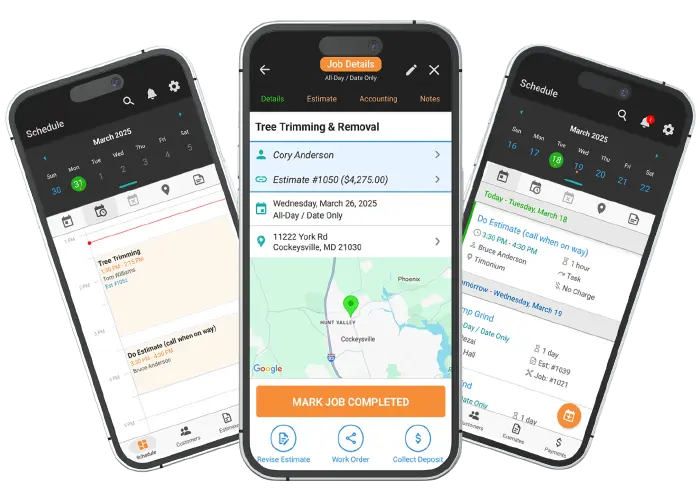
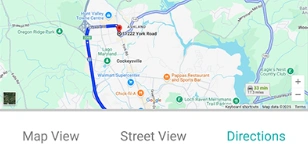
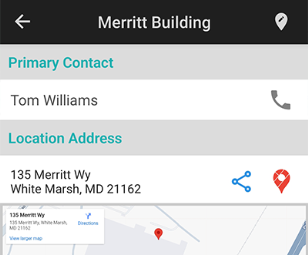
Ensure the accuracy of every client location with our autocomplete feature powered by Google Maps. This tool provides an interactive map that displays client locations, making it easy to get directions and plan your workday. You can even see a street-level view of the location, so you know exactly what to expect before you arrive.
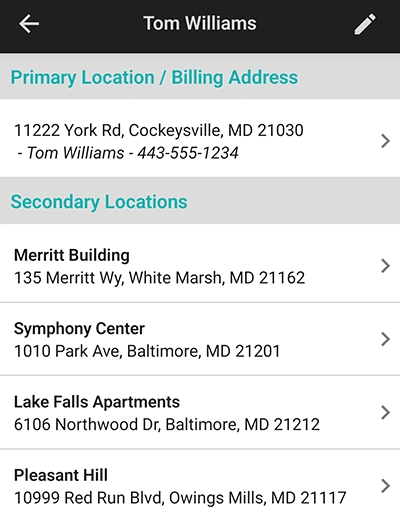
A client with multiple properties doesn't mean you have to create multiple client profiles. WorkQuote lets you add unlimited secondary locations to a single client. This feature is perfect for property managers or landlords and helps you keep all their data organized under one record. Add a searchable name and site contact for each location for quick access.
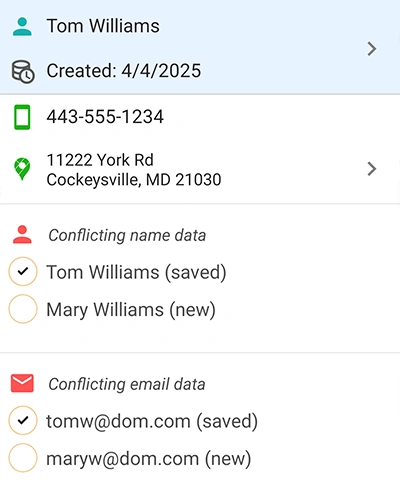
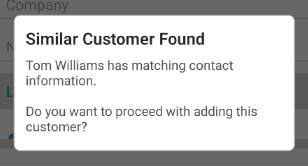
WorkQuote automatically checks for duplicate data before you create a new client. This feature helps you avoid creating duplicate client records and keeps your list clean and accurate. If similar data exists, it could be a simple spelling error, a spouse, or a new homeowner, and our system helps you choose the right path with a single click.
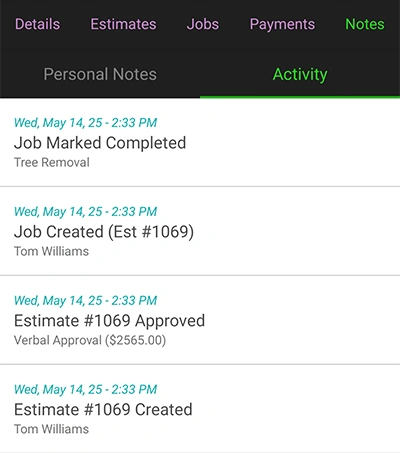
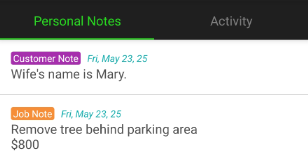
Keep a full history of all client interactions and activities in one place. An activity log is automatically created for each client, showing all actions and real-time updates. You can also add private notes that only you can see, making it easy to keep track of important information without cluttering the main client record.
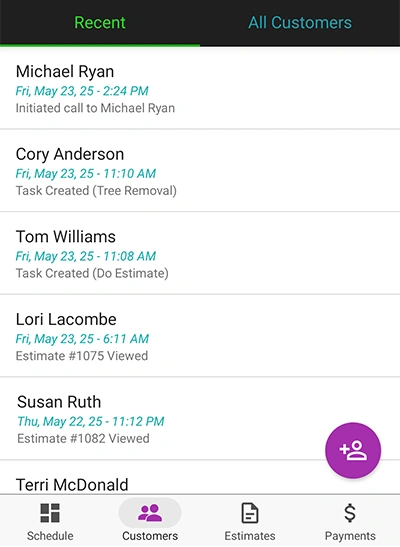
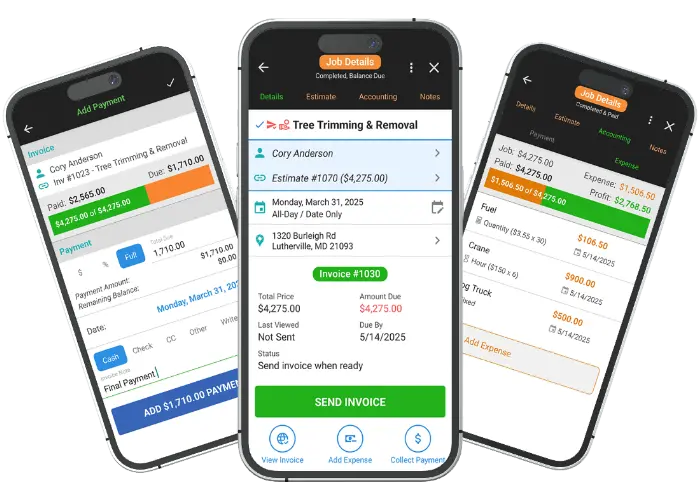
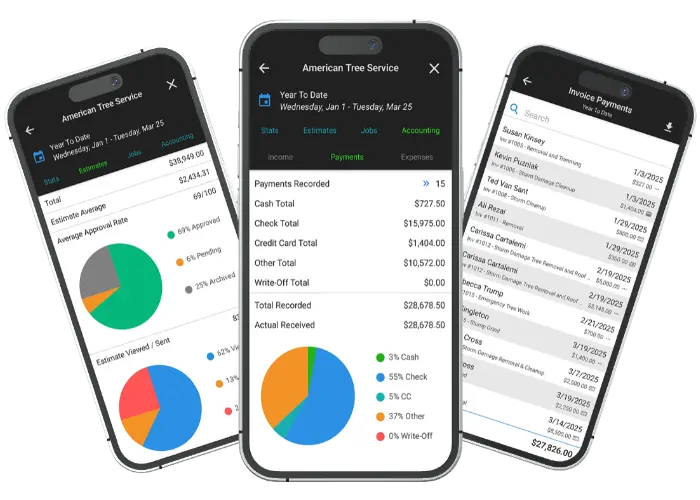
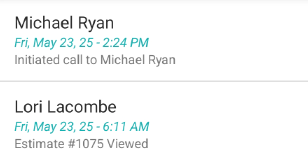
The recent activity tab is a powerful tool that allows you to quickly view the most recent activity for each client. Get a quick overview of key information, including recent quotes, scheduling, invoices, payments, and contact activity. This helps you stay on top of your client workflow and ensures you're always informed about the latest developments.
Find answers to common questions about our field service software.
WorkQuote is a mobile-first powerhouse. Skip the App Store search - just grab your phone, open your camera, and scan the code to get the free app instantly.
Point your camera here to download
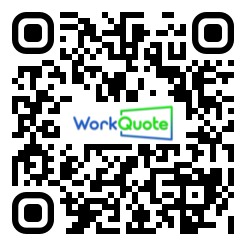
No searching required
Click the cards below to dive deeper into our powerful tools.
2026 All Rights Reserved. A Viaboom Software.