Field Service Invoicing & Payment Software
The easy way to track income, manage expenses, and get paid faster.
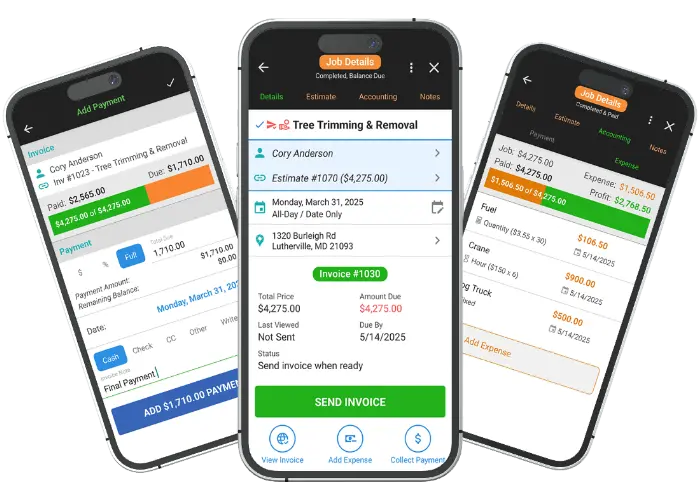
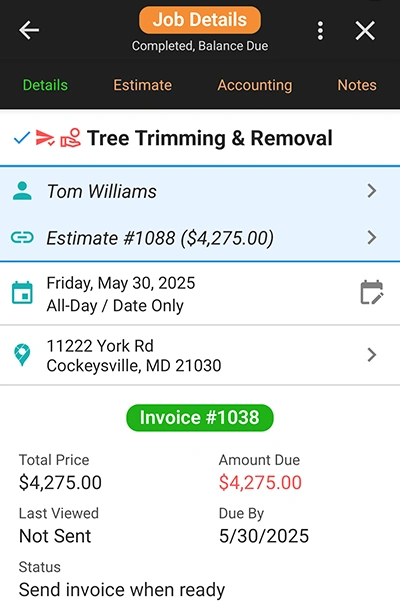
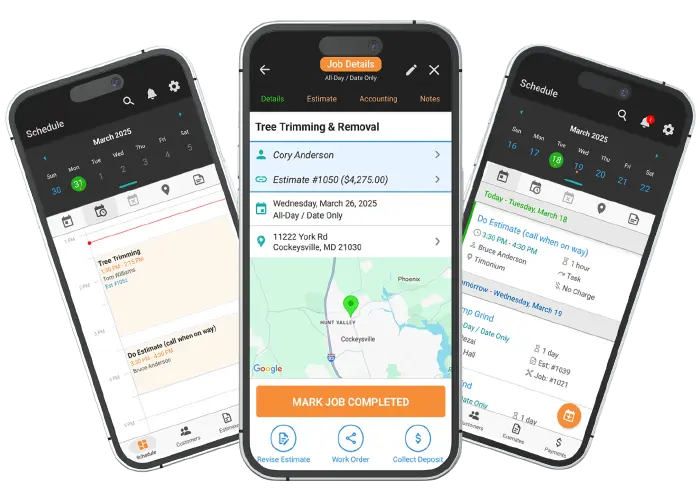
Invoices are automatically created when a job is marked complete. Use the Invoice Dashboard to view associated payments, expenses, and notes for each invoice. You can also track when clients view their invoices in real-time, giving you valuable insight for timely follow-ups.
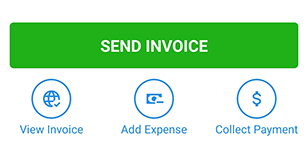
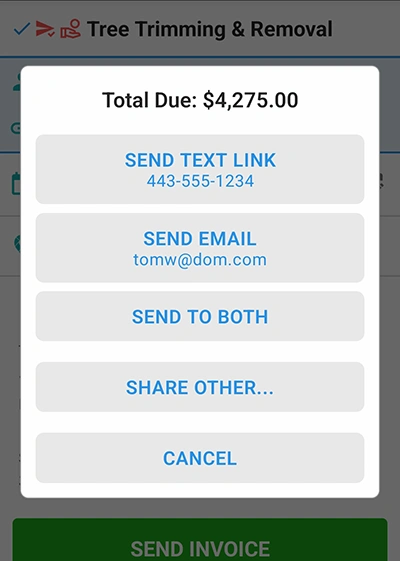
Send invoices to your clients via email, text, or any sharing app installed on your device. This flexibility ensures your invoices are delivered promptly and securely. Our secure, metadata-friendly links offer a discreet URL that maintains a professional image.

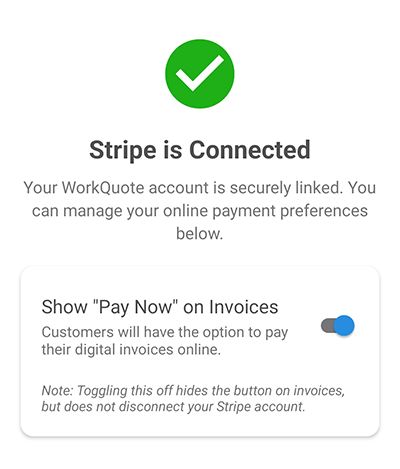
WorkQuote integrates with Stripe to allow you to securely collect online payments directly from your invoices. You can bill customers the full invoice amount or any custom amount for deposits or materials. All payments automatically update to your invoice and paid status. This feature provides a convenient way for clients to pay you faster, improving your cash flow and reducing the time spent on manual payment collection.
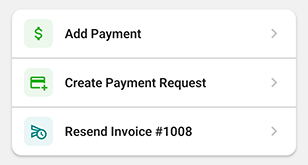
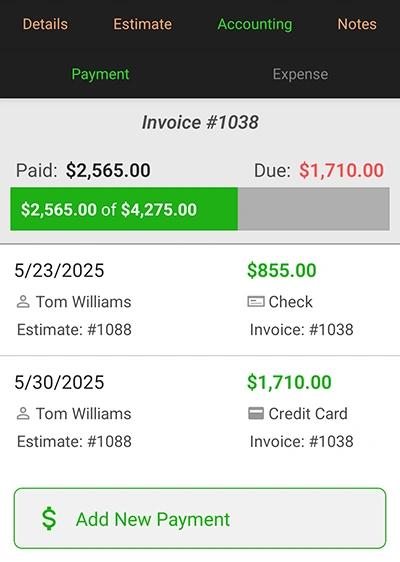
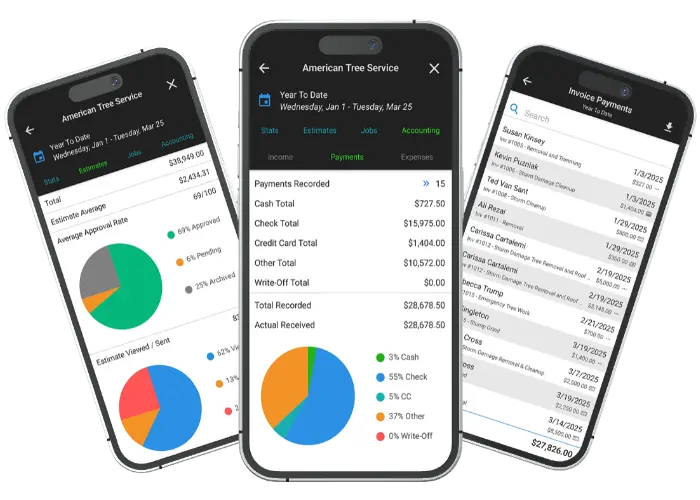
Easily track deposits and payments for each job to ensure accurate financial reporting. Monitor payments across multiple jobs and visualize the amounts paid versus amounts due with clear bar graphs, making it easy to see outstanding balances at a glance.
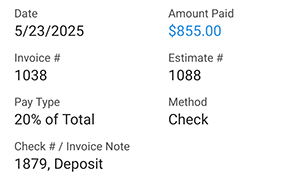
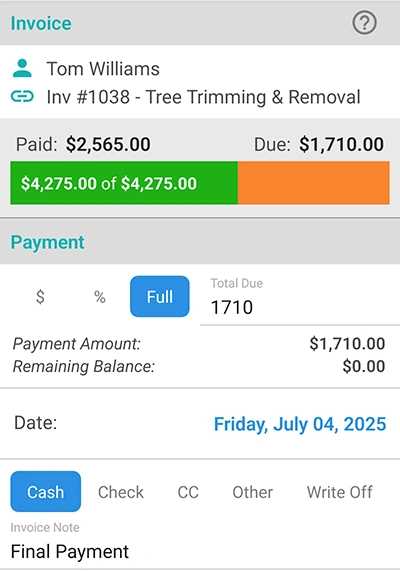
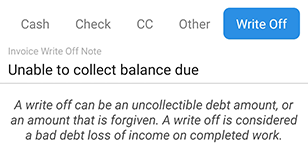
You can easily add and edit payment details, including partial, percentage, or full payments. Track multiple payment types with notes for each one. This feature helps you manage your payments effectively and keeps a clear record of all transactions, even uncollectible write-offs.
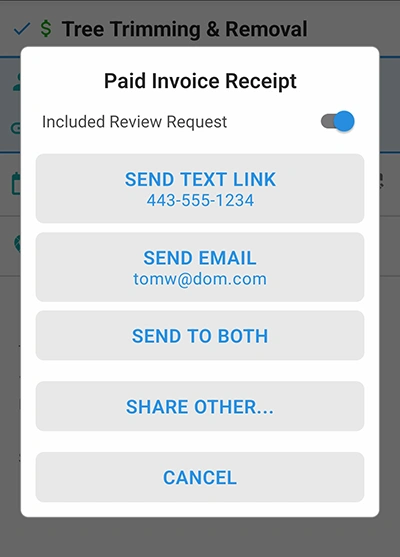
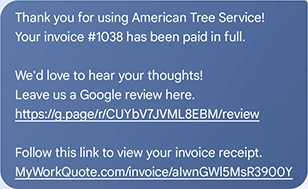
After a client pays, you can automatically send a receipt with an optional request for a company review. This feature allows you to maintain professional communication and encourages positive feedback, all while keeping the process simple and efficient.
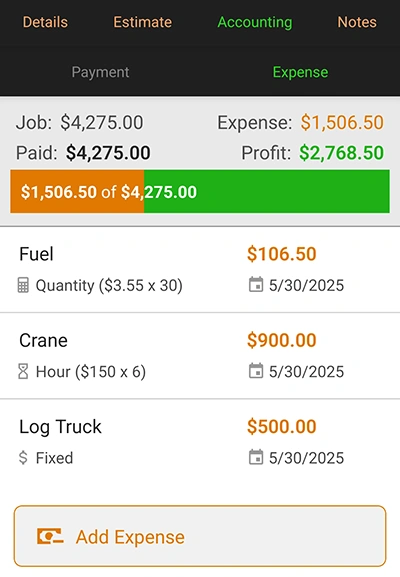
Track expenses for each job to get a true picture of your profit and loss. This feature lets you monitor expenses across multiple jobs, visualize profit with bar graphs, and see how expenses affect your income reports.
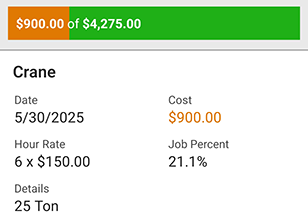
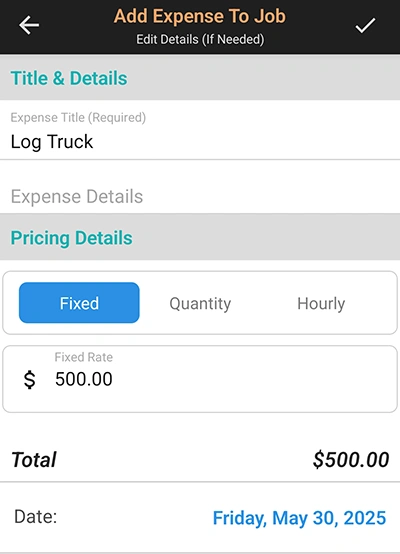
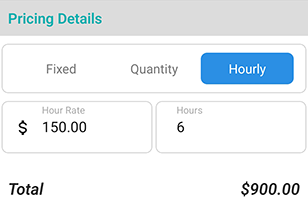
Easily add and edit expense details, including hourly, quantity, and fixed expenses. Adjust the date of each expense for accurate bookkeeping. All saved expenses are adjustable, allowing you to keep your records up-to-date and accurate.
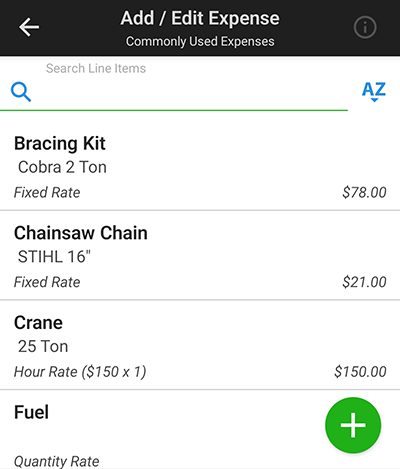
Save time by quickly adding your frequently used expense items. This feature allows you to add common expenses more efficiently and accurately by eliminating the need to retype basic details. You can easily adjust expense details and save edits for future use.

Find answers to common questions about our field service software.
WorkQuote is a mobile-first powerhouse. Skip the App Store search - just grab your phone, open your camera, and scan the code to get the free app instantly.
Point your camera here to download

No searching required
Click the cards below to dive deeper into our powerful tools.
2026 All Rights Reserved. A Viaboom Software.