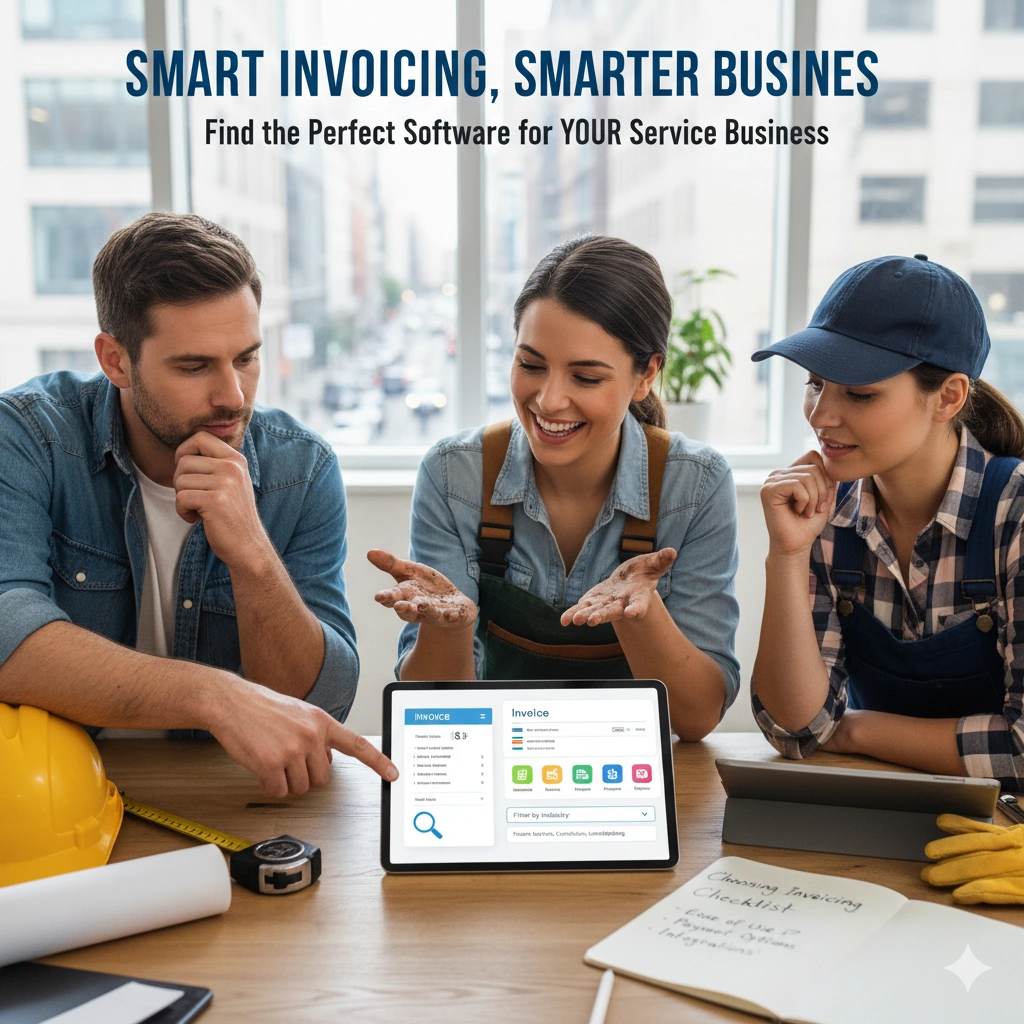
Selecting the right invoicing software can make the difference between smooth cash flow and constant payment delays for your small business. With countless options available in the market, finding the perfect solution requires careful consideration of your specific business needs, budget constraints, and growth plans. This comprehensive guide will walk you through everything you need to know to make an informed decision that will streamline your billing process and improve your bottom line.
Understanding Your Business Requirements
Before diving into software comparisons, take time to assess your current invoicing challenges and future needs. Consider how many invoices you send monthly, whether you need recurring billing capabilities, and what payment methods your clients prefer. Small businesses in service industries like lawn care, HVAC, or photography often have unique requirements that differ significantly from retail or e-commerce operations.
Document your current invoicing workflow from estimate creation to final payment collection. This baseline will help you identify pain points and prioritize features in your new system. Consider factors such as the complexity of your services, whether you need job scheduling integration, and how important automated follow-ups are for your cash flow management.
Essential Features to Look For
Core Invoicing Capabilities
Every quality invoicing solution should offer customizable invoice templates that reflect your brand identity. Look for software that allows you to add your logo, adjust colors, and modify layouts to maintain professional consistency across all client communications. The ability to create detailed line items with descriptions, quantities, rates, and tax calculations is fundamental.
Automated invoice generation saves significant time, especially for businesses with recurring services. This feature should allow you to set up templates for regular clients and automatically send invoices based on predetermined schedules. The system should also handle various tax scenarios, including different rates for different services or locations.
Payment Processing Integration
Modern invoicing software should integrate seamlessly with multiple payment processors to give your clients flexibility in how they pay. Credit card processing, bank transfers, and digital wallet options like PayPal or Apple Pay can significantly reduce payment delays. Look for solutions that embed payment options directly into the invoice, eliminating friction in the payment process.
Consider the transaction fees associated with different payment methods and how they impact your profit margins. Some software providers offer competitive processing rates as part of their service, while others integrate with third-party processors that may offer better terms for your business volume.
Client Management Features
Effective client management goes beyond basic contact information storage. Your invoicing software should maintain detailed client histories, including past invoices, payment patterns, and communication logs. This information becomes invaluable for managing relationships and identifying potential collection issues before they become problematic.
Advanced client management features include automated payment reminders, customizable communication templates, and the ability to set different payment terms for different clients. Some businesses benefit from client portals where customers can view their invoice history, make payments, and update their information independently.
Industry-Specific Considerations
Service-Based Businesses
Service businesses often need more than basic invoicing functionality. Integration with job scheduling systems allows you to automatically generate invoices upon job completion, reducing administrative overhead and improving cash flow timing. This is particularly valuable for businesses like HVAC contractors, photographers, or maintenance services where work completion triggers billing.
Estimate-to-invoice conversion is another crucial feature for service businesses. The ability to create detailed estimates, get client approval, and seamlessly convert approved estimates into invoices eliminates duplicate data entry and reduces errors. This workflow is essential for businesses that provide custom quotes for each project.
Recurring Service Models
Businesses with recurring revenue models, such as lawn care services or maintenance contracts, need robust subscription billing capabilities. Look for software that can handle complex recurring schedules, seasonal adjustments, and automatic price increases. The system should also manage service interruptions and prorated billing scenarios gracefully.
Automated renewal notifications and contract management features help ensure continuous service delivery and prevent revenue gaps. These capabilities are particularly important for businesses that rely on long-term client relationships and predictable monthly revenue streams.
Financial Management Integration
Expense Tracking
Comprehensive business management requires visibility into both income and expenses. Invoicing software that includes expense tracking capabilities provides a complete financial picture without requiring separate systems. This integration is particularly valuable for small businesses where owners wear multiple hats and need streamlined processes.
Look for features that allow you to photograph and categorize receipts, track mileage, and allocate expenses to specific projects or clients. This information becomes crucial during tax preparation and helps you understand the true profitability of different services or client relationships.
Reporting and Analytics
Data-driven decision making requires access to meaningful business analytics. Your invoicing software should provide insights into payment patterns, outstanding receivables, and revenue trends. These reports help you identify seasonal patterns, optimize pricing strategies, and improve cash flow management.
Advanced reporting features include aging reports for accounts receivable, profit and loss summaries, and client profitability analysis. Some solutions offer predictive analytics that help forecast future revenue based on historical patterns and current pipeline data.
Mobile Accessibility and Field Work
For businesses that operate in the field, mobile accessibility is not optional. Your invoicing software should offer full-featured mobile applications that allow you to create estimates, send invoices, and collect payments from any location. This capability is essential for service businesses where work happens at client sites.
Mobile apps should maintain the same functionality as desktop versions, including the ability to access client information, view job histories, and process payments. Offline capability ensures you can continue working even in areas with poor internet connectivity, with data syncing automatically when connection is restored.
Pricing Models and Total Cost of Ownership
Subscription vs. One-Time Purchase
Most modern invoicing solutions operate on subscription models, which provide ongoing updates, support, and cloud-based accessibility. While the monthly cost may seem higher than one-time purchases, subscription models typically offer better long-term value through continuous improvements and feature additions.
Consider the total cost of ownership, including transaction fees, additional user licenses, and premium feature costs. Some providers offer all-inclusive pricing, while others use tiered models that can become expensive as your business grows. Factor in potential savings from improved efficiency and faster payment collection when evaluating costs.
Free vs. Paid Solutions
Free invoicing software can be tempting for new businesses, but limitations often become apparent as you grow. Free solutions typically restrict the number of invoices, clients, or features available. They may also include provider branding on your invoices, which can appear unprofessional to clients.
Paid solutions generally offer better customization, more robust features, and professional support. The investment in quality software often pays for itself through improved efficiency and faster payment collection. Consider free trials to test functionality before committing to paid plans.
Security and Data Protection
Financial data security should be a top priority when selecting invoicing software. Look for solutions that offer bank-level encryption, secure data centers, and regular security audits. Cloud-based solutions should comply with industry standards and provide transparent information about their security practices.
Data backup and recovery capabilities protect your business information against hardware failures, natural disasters, or cyber attacks. Ensure your chosen solution provides automatic backups and clear procedures for data recovery. Consider how long historical data is retained and whether you can export your information if you need to change providers.
Integration Capabilities
Your invoicing software should integrate seamlessly with other business tools you use regularly. Common integrations include accounting software, customer relationship management systems, and project management tools. These connections eliminate duplicate data entry and ensure consistency across your business systems.
API availability allows for custom integrations if you have specific business requirements. While most small businesses won't need custom development, having this option provides flexibility for future growth and specialized needs.
Customer Support and Training
Reliable customer support becomes crucial when you encounter issues that affect your ability to bill clients. Evaluate the support options available, including phone, email, and chat support. Consider the provider's response times and whether support is available during your business hours.
Training resources such as video tutorials, documentation, and webinars help you maximize the value of your software investment. Look for providers that offer comprehensive onboarding processes and ongoing education opportunities to help you discover new features and best practices.
Implementation and Migration Strategy
Transitioning to new invoicing software requires careful planning to avoid disrupting your cash flow. Start by exporting data from your current system and cleaning up client information, service descriptions, and pricing structures. This preparation ensures a smooth migration and provides an opportunity to optimize your processes.
Consider running parallel systems during the transition period to ensure accuracy and maintain business continuity. Test all critical functions, including payment processing and automated features, before fully committing to the new system. Train your team thoroughly on new processes and establish backup procedures for potential issues.
Scalability and Future Growth
Choose software that can grow with your business rather than requiring another migration in a few years. Consider how the solution handles increased invoice volume, additional users, and expanded feature requirements. Scalable solutions often offer tiered pricing that allows you to upgrade gradually as your needs evolve.
Evaluate the provider's track record for innovation and feature development. Companies that regularly update their software and respond to user feedback are more likely to meet your future needs. Consider their roadmap for new features and how well they align with your business growth plans.
Making Your Final Decision
After evaluating your options against these criteria, create a shortlist of solutions that meet your essential requirements. Take advantage of free trials to test real-world functionality with your actual business data. Pay attention to user experience, speed, and how well each solution fits your workflow.
Involve your team in the evaluation process, especially if multiple people will use the software. Their feedback on usability and functionality can reveal issues you might miss and improve adoption rates once you implement the new system.
Remember that the best invoicing software is the one that your team will actually use consistently. A feature-rich solution that sits unused because it's too complex provides no value. Balance functionality with usability to find the optimal solution for your specific business needs.
The right invoicing software transforms a time-consuming administrative task into an automated system that improves cash flow and client relationships. By carefully evaluating your needs and thoroughly testing potential solutions, you can select a platform that supports your current operations while providing room for future growth. This investment in efficient billing processes will pay dividends through improved cash flow, reduced administrative burden, and enhanced professional image with your clients.